Home
Your live channels at a glance
A LIVE panel with your Twitch and Kick channels sorted by viewers and a live preview of the one you select. No menus: everything with the remote.
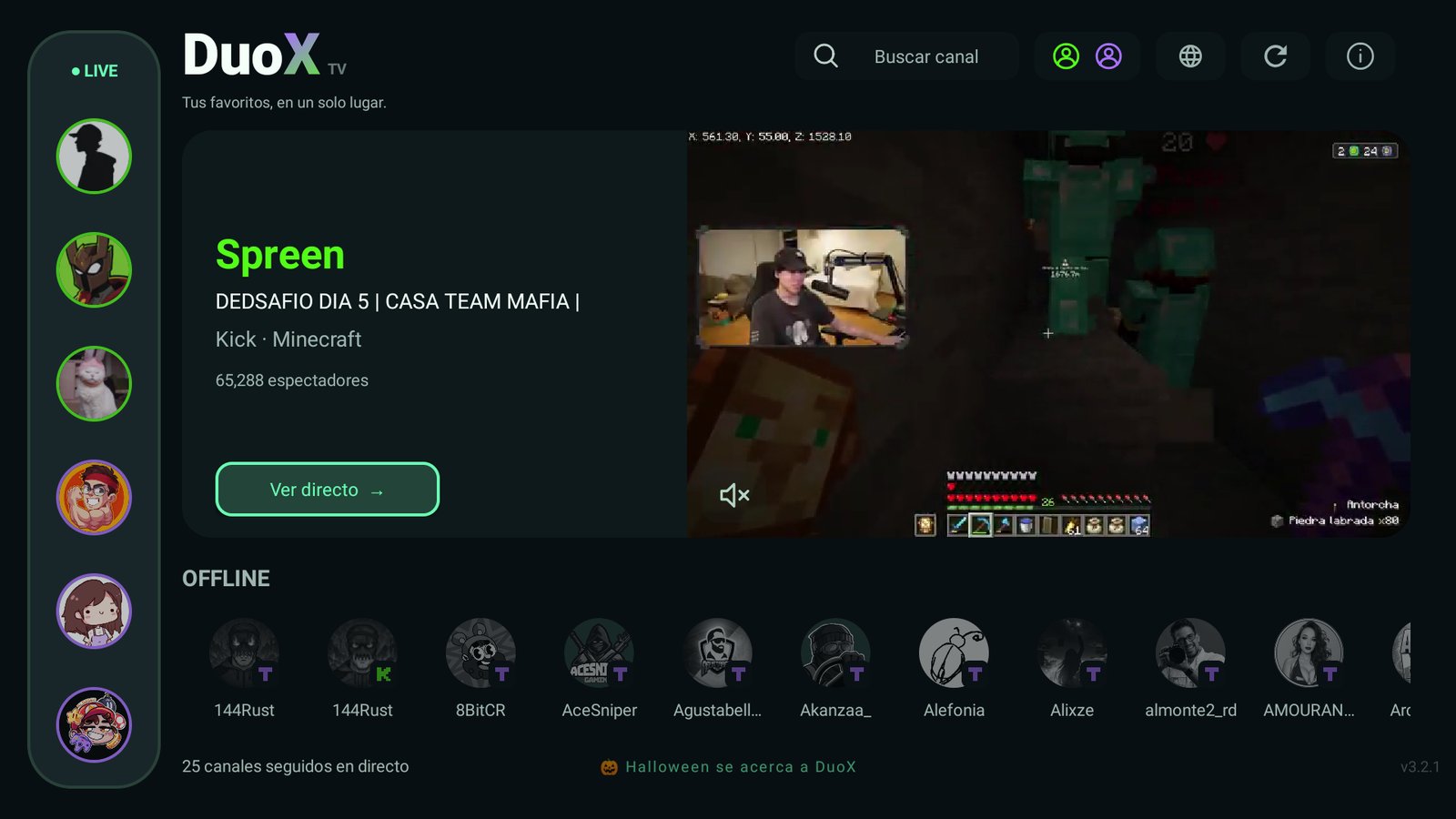
DuoX TV runs on Fire TV and on Android TV smart TVs. Watch Twitch and Kick together, up to four live streams at once, synced VODs, and connect Kick by QR from your phone.
Free · 1.5 MB APK · Android 9 or later
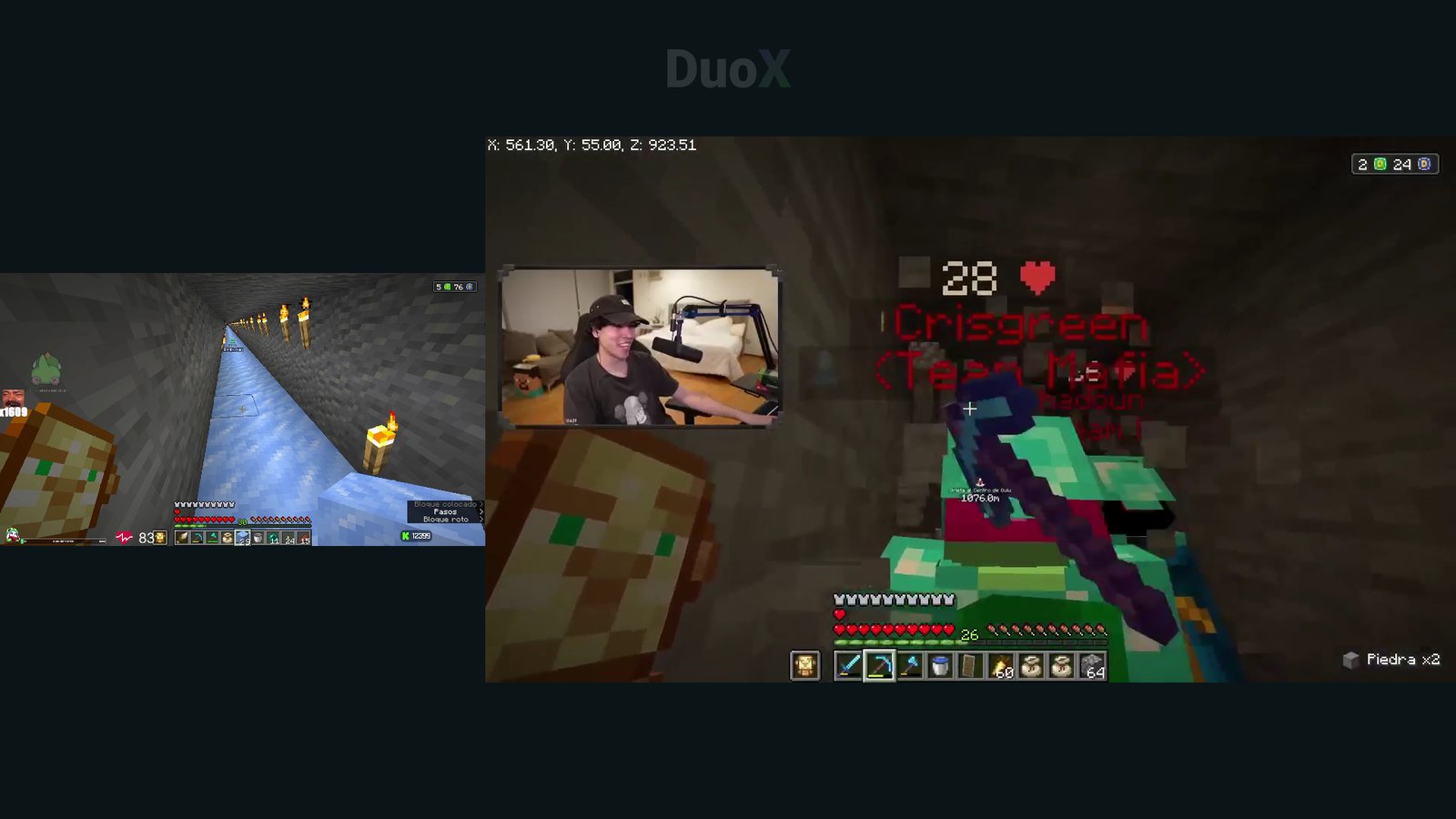
If the stream you're watching ends, DuoX won't freeze on the last frame: it takes you back to Home automatically instead of leaving you on a black screen.
After 10 minutes with no remote input on Home, a small, discreet prompt asks if you're still there before closing itself.
It refreshes every 20 seconds instead of 60 and no longer jumps: the viewer-count order stays put, and when someone changes rank the icon slides instead of snapping.
A LIVE panel with your Twitch and Kick channels sorted by viewers and a live preview of the one you select. No menus: everything with the remote.
Mix Twitch and Kick on the same screen. Pick which channel plays audio with up and down and set the quality of each one without leaving the player.
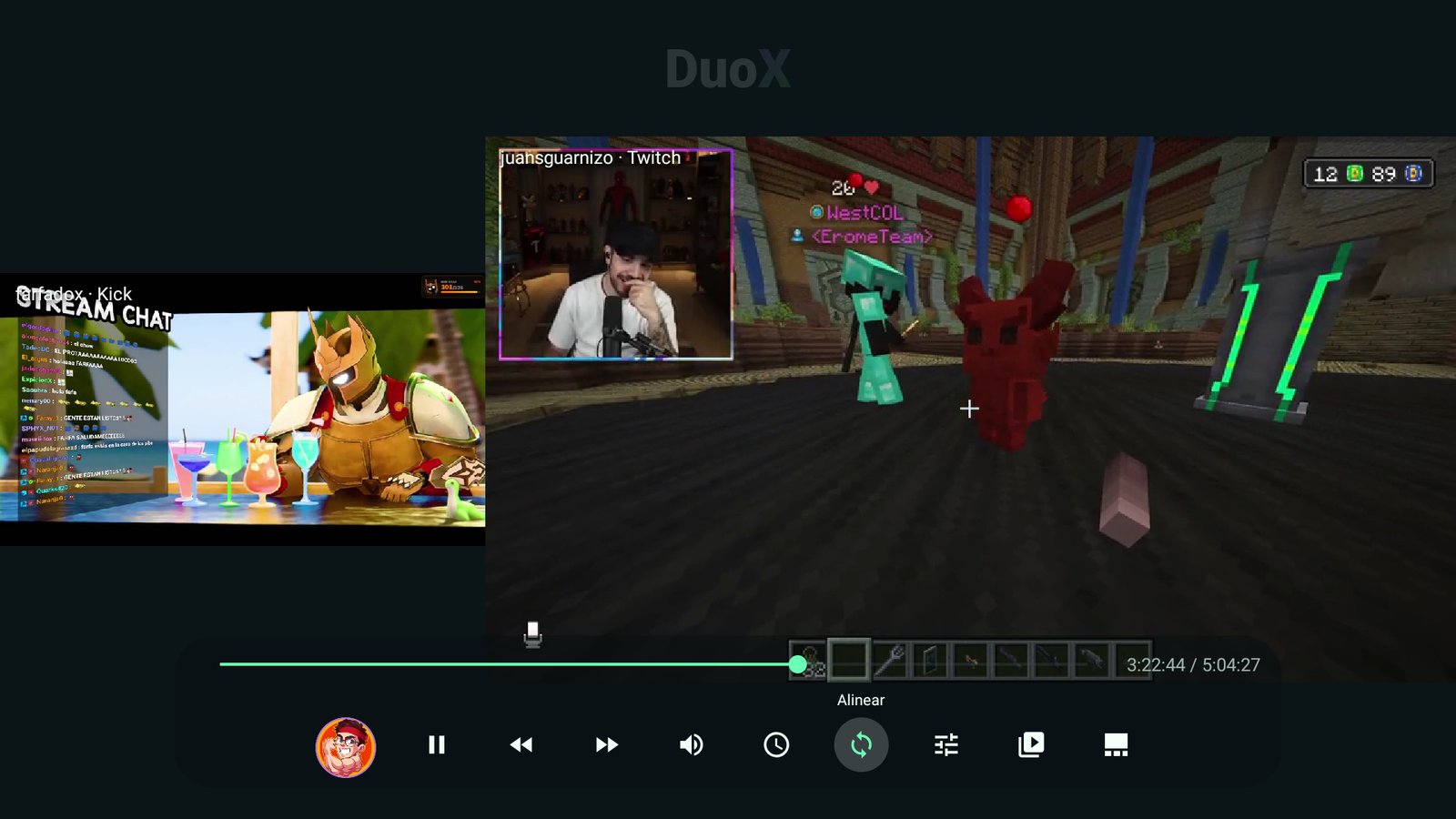
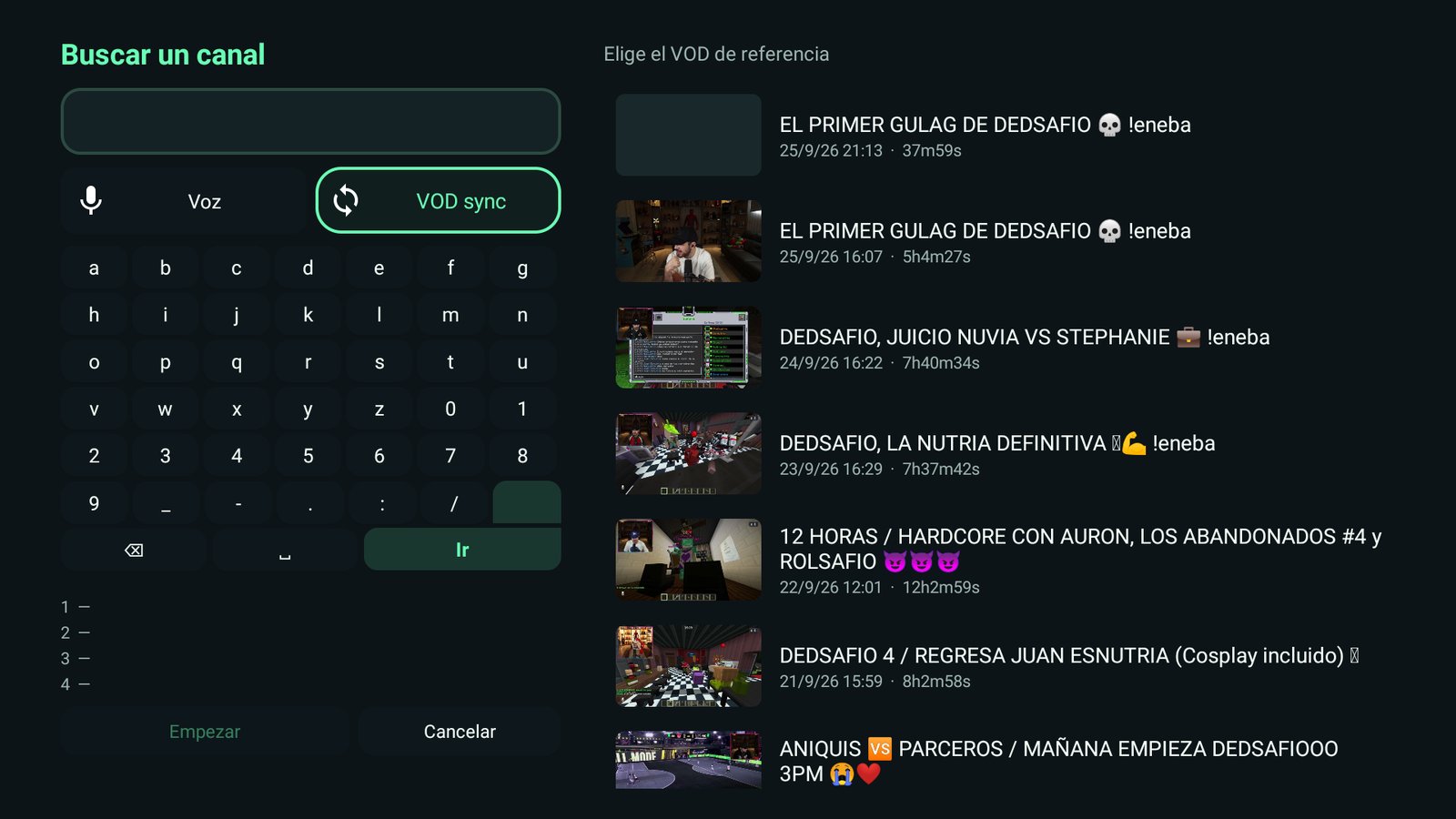
Choose up to four VODs and DuoX TV analyzes the audio in the background to line them up right where the streamers talk together. With controls to align the videos and choose which channel plays audio.
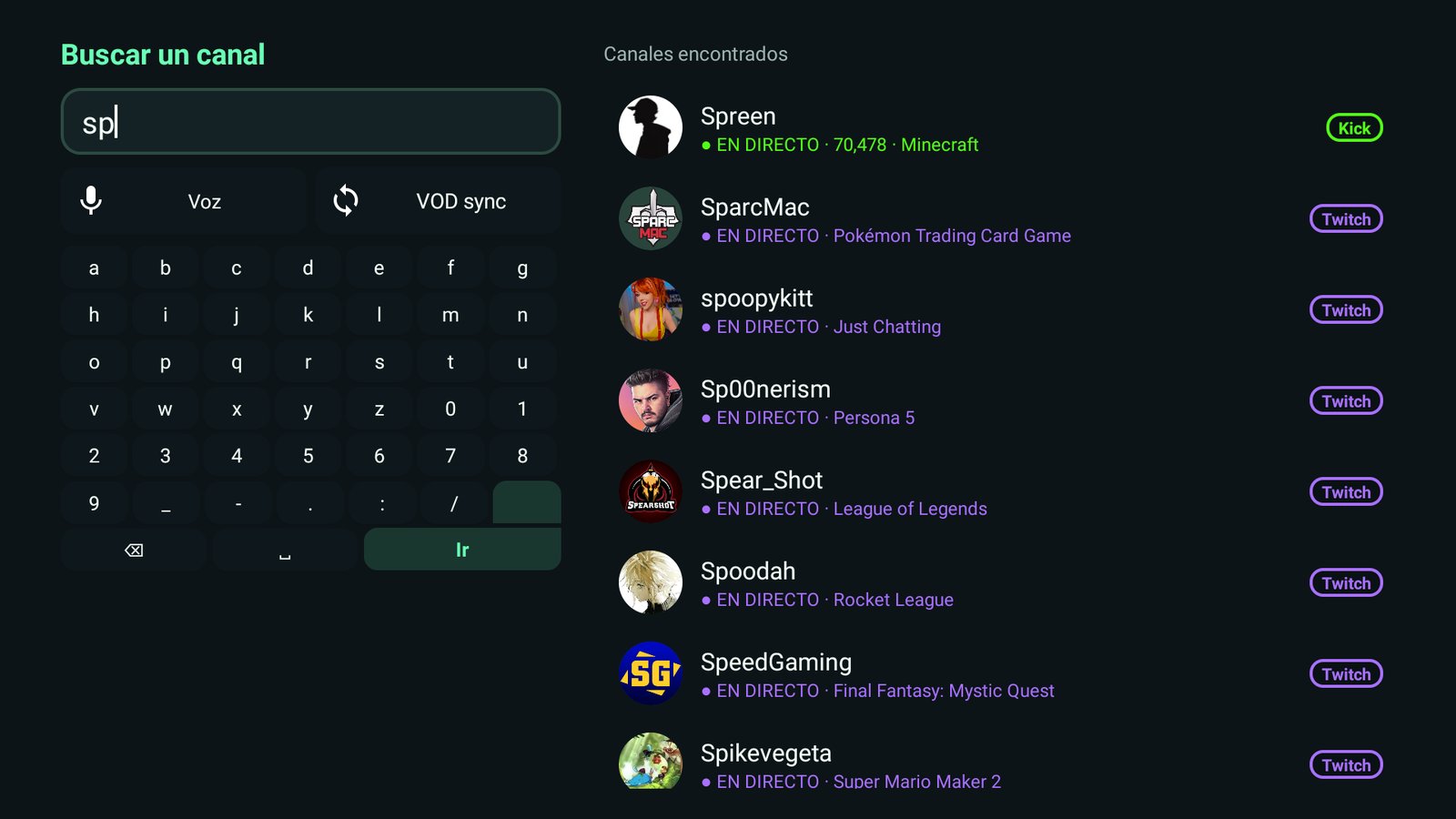
Built-in keyboard, voice search and real Twitch and Kick results with live channels first.
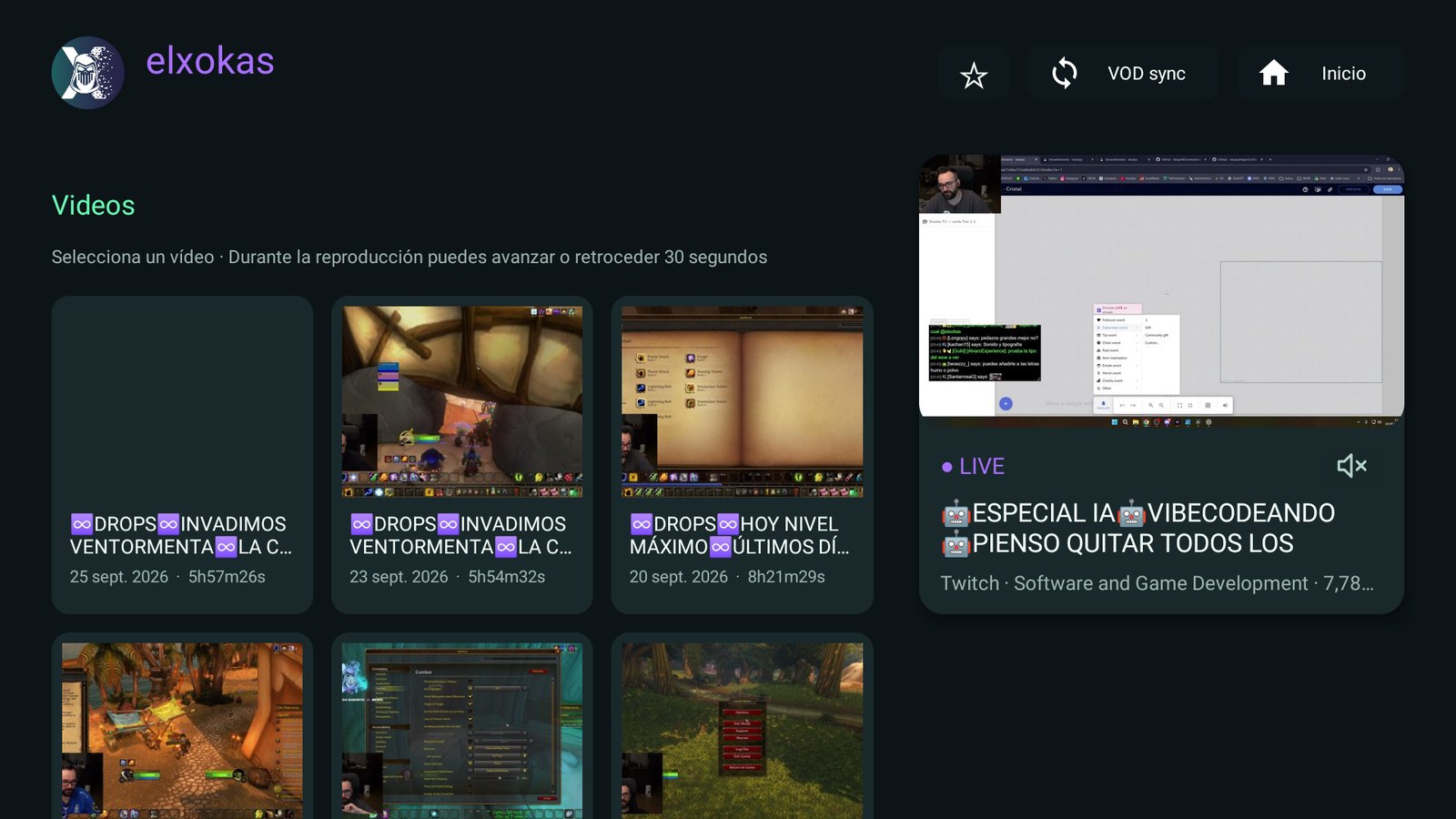
Each channel has its live preview, dated VODs and “Continue watching” so you pick up where you left off.
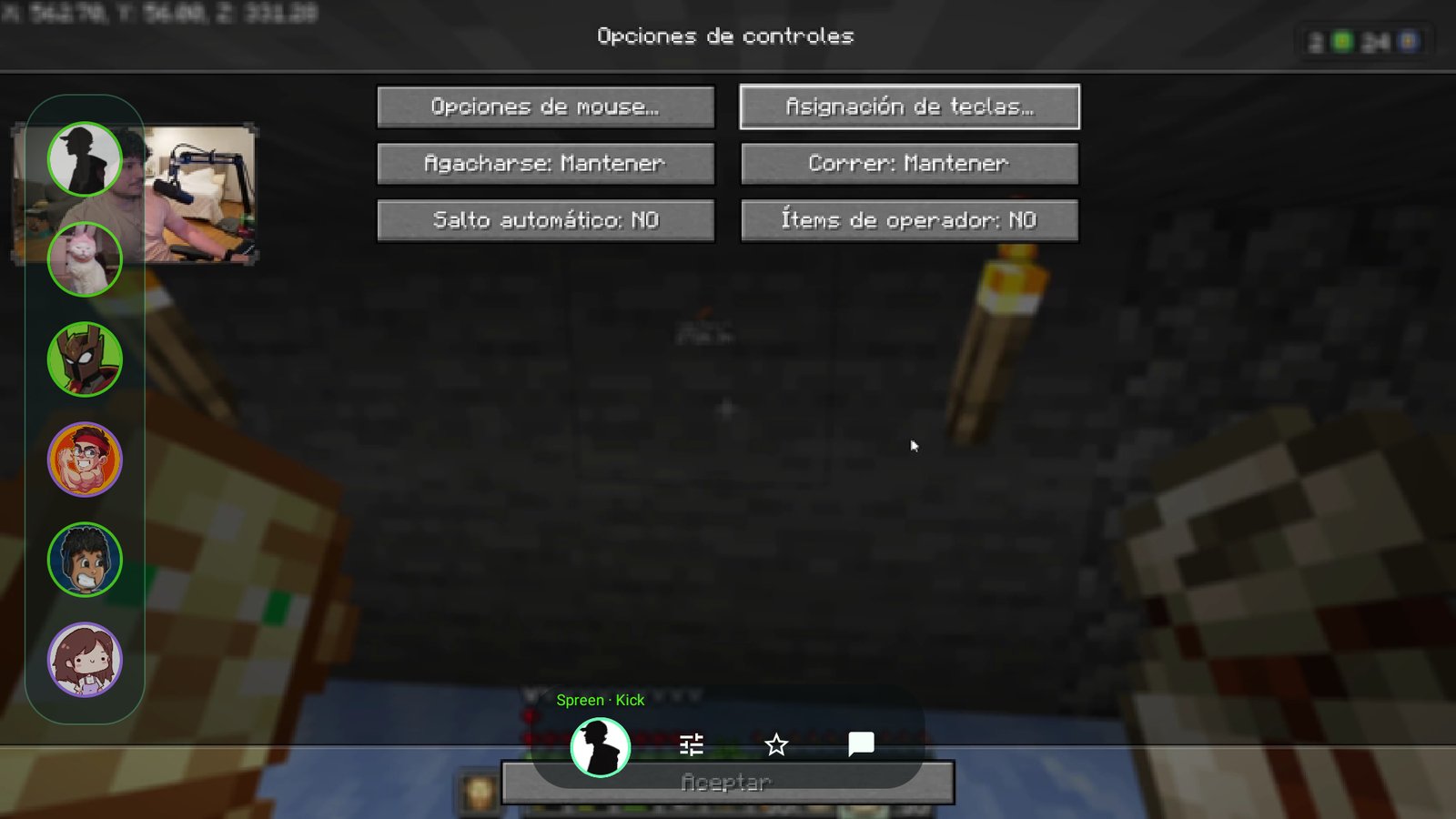
A thin translucent bar with icons. Auto or manual quality, favorites and a QR chat you can read on your phone.
When two streamers play together, each one broadcasts their own point of view. VODSYNC puts the VODs side by side and aligns them by audio, so you never hunt for the exact second.
Models running Android-based Fire OS 7 or 8. Tested on Fire OS 7; Vega OS models cannot run this APK.
Sony, TCL, Hisense, Philips or Xiaomi models with Android TV or Google TV based on Android 9 or later. Check your model’s operating system.
Boxes or dongles running Android TV 9 or later (API 28+) that allow APK installation.
Requires Android TV 9 or later. Video quality and simultaneous streams depend on the hardware; not every model has been tested.
Search “Downloader” in your Fire TV Appstore and install it. Allow it to install unknown apps.
Open it, type the code 7658893 in the box at the top and press Go.
Accept the install. Inside the app, the ↻ icon checks for new versions and downloads them.
7658893Just type this number in Downloader and press Go.https://github.com/errorx0x/DuoX-TV/releases/latest/download/DuoX.apkDuoX TV is a free app for Fire TV and Android TV to watch Twitch and Kick live streams and VODs with a remote, featuring multiview of up to four channels, synced VODs, voice search and QR chat. It is created by errorx0x.
Yes. It is built for Fire TV (Fire OS 7 or later) and runs on Android TV 9 or later. It has been tested on Fire OS 7; four streams at top quality can exceed what an entry-level Fire TV can decode, so quality is capped when using several screens.
Yes, that is the point. Multiview mixes channels from both platforms and lets you choose which one plays audio.
It plays several VODs of streamers who talked together at the same moment. The app compares audio in the background to align them; if it finds no shared voices it starts at the start time and you can adjust the offset by hand.
Not to watch public content. Connect Twitch or Kick by QR on your phone to see your follows. For Kick, confirm the six-digit code and followed channels load automatically. If you used the old web sign-in, link Kick again once. Twitch channel search requires connecting that account.
No. DuoX TV is an independent, experimental client, not affiliated with Twitch, Kick or Amazon. Trademarks, channel names and images belong to their owners.
Inside the app, press the ↻ icon next to the language button: it checks the latest release on GitHub and downloads it; Android’s installer asks for the final confirmation.
Everything stays on your device: there is no own server and no analytics. Twitch tokens are stored encrypted and you can disconnect each account from Accounts.
Download the APK, install it and tell us what you would improve.